Use case · media buyers
Profflow for
media buyers
ROAS on what an order left, not on what the platform reports.
01 / The question
Spend against margin, not against clicks
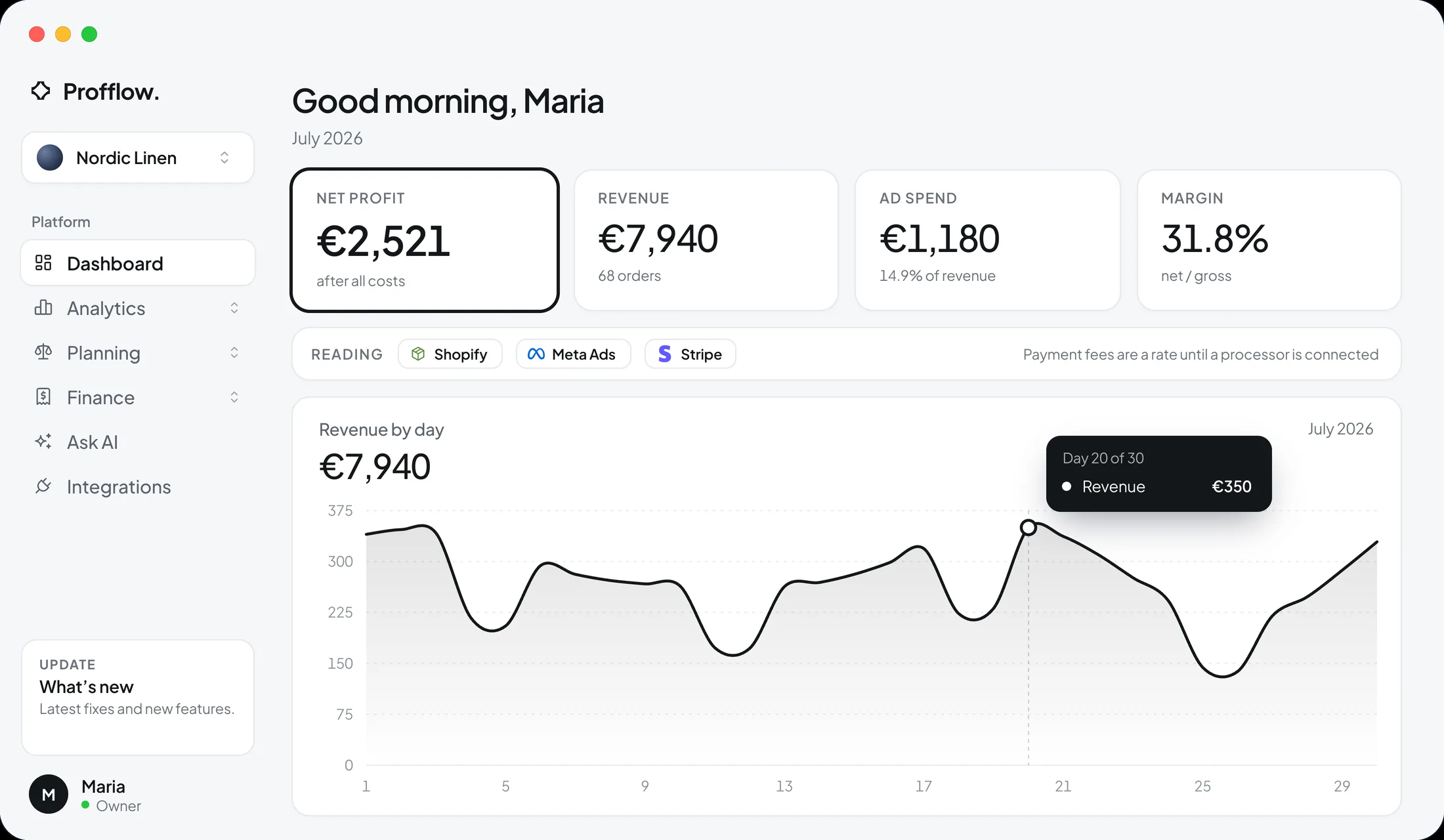
Each platform counts a sale for itself and reports its return before goods, fees and refunds come out. Profflow keeps the platform’s claim and the store’s record apart, and shows what each channel actually left after its own cost.
02 / What it does for you
How Profflow helps media buyers
Profit ROAS and break-even ROAS
The return after every cost, beside the return a channel needs just to stand still.
Spend pulled in, not typed
Meta and Google Ads spend arrives on its own each night, so profit does not rest on a number someone typed last month.
Orders matched to visits
The Profflow Pixel ties each order to the visit and the ad behind it, counted once where platforms each claim the same sale.
Moves that wait for you
Budget changes are proposed with their evidence and do nothing until you approve them.
Creatives ranked on what stays
Ads, ad sets and campaigns ranked on return after goods and fees, with the ones tiring against last week flagged.
Does the channel add sales?
The days a channel ran against the days it did not, from the store’s own daily sales — a check, not a proof, and it says so.
03 / The features behind it
The parts you will use
Each one is a page of its own, with the working shown.
- See how it works →
Profit ROAS
Return after every cost, beside the break-even line.
- See how it works →
Channel profitability
What each channel left, spend against margin.
- See how it works →
Discount profitability
Which codes and depths still pay once the goods are out.
- See how it works →
Alerts
A line moving past a threshold you set, said when it moves.
Questions from
media buyers.
Can’t find the answer to your question?
Contact us by clicking here.
Meta Ads and Google Ads spend arrive automatically each night. TikTok Ads is waiting on TikTok’s own approval, so it is not connected yet.
No. Orders are read last-click from what Shopify records and, with the Profflow Pixel, matched to the visit and the ad behind it. Profflow does not claim a multi-touch model.
Where an ad account is connected, a pause or a budget step can be prepared, and it waits for your approval. Your limits apply: three changes a day by default, budget steps of at most 20%, and objects you protect are never touched.
Both, and each is marked. A figure read from Shopify, an ad account or a payment processor is measured; a figure that rests on a setting you typed, such as a cost percentage, is an estimate, and the page says how much of the profit rests on each.
Yes. Free shows your real net profit for the last 30 days, for one store and up to 50 orders a month, with no card and no end date.
Start with what your store really kept.
Free shows your real net profit for the last 30 days, with no card and no end date.