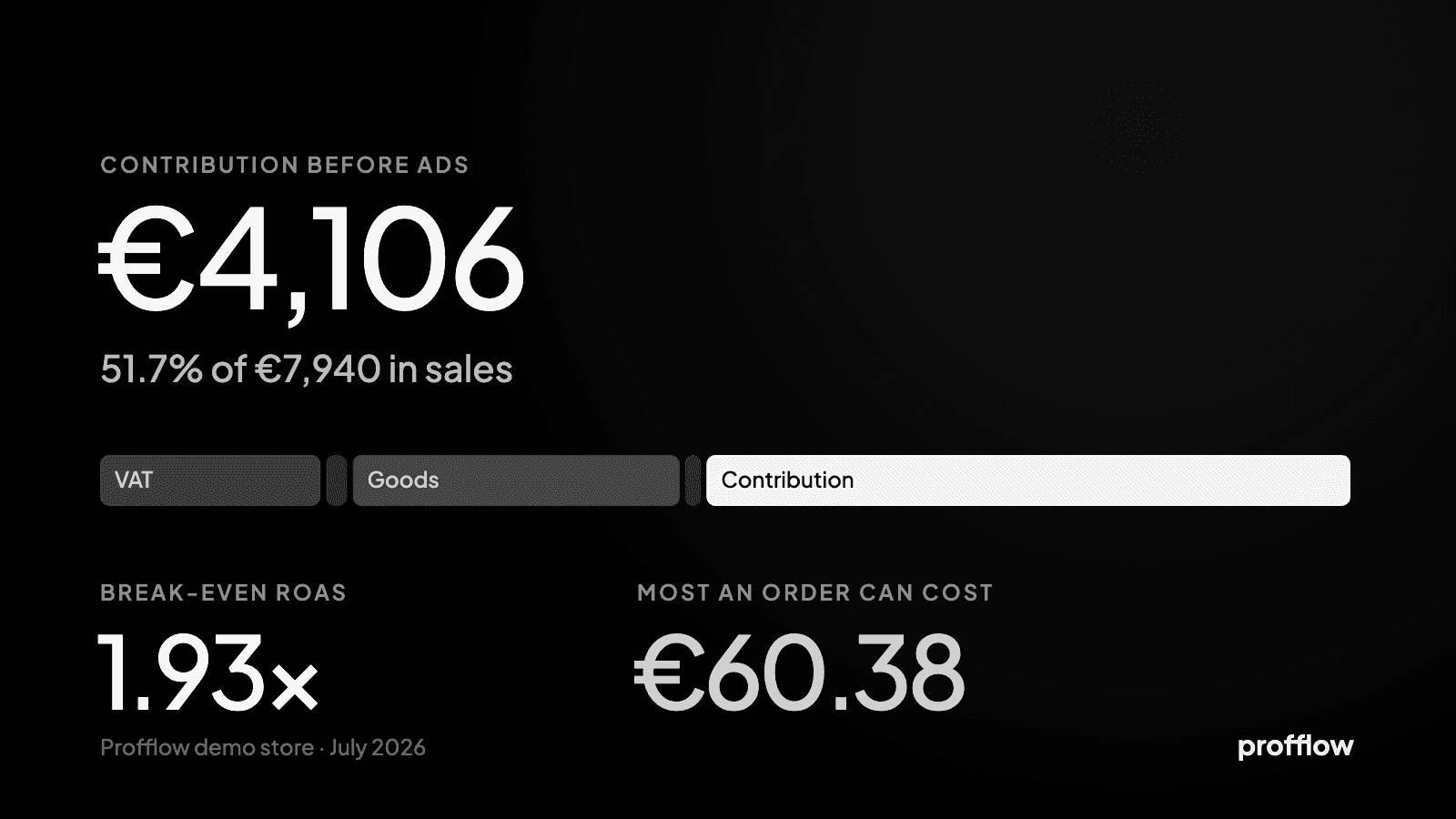
Why your Shopify payout doesn’t match your sales.
Shopify says one figure, the bank receives a smaller one, a few days later. What comes off before the money is sent, when it arrives, and why neither number is your profit.
Every store owner meets this in the first month: the sales figure in Shopify says one thing, the money that lands in the bank says less, and it arrives days later. Both figures are right. They answer different questions — what customers paid, and what the payment provider sent on after taking its share and settling what the store owes it.
What comes off before the money is sent
Shopify’s own help centre lists what can make a Shopify Payments payout lower than the sales behind it:
- Processing fees, deducted before the payout is sent; the rate depends on the plan.
- Refunds made since the last payout.
- Chargebacks: the disputed amount, and the dispute fee.
- Adjustments — a chargeback fee, a tax adjustment and the like — which can move the amount either way.
- A reserve, held back for a while to cover possible disputes.
- Currency conversion, when the payout currency is not the one the store sells in.
- A negative balance from earlier fees or refunds, recovered from the next payout.
- In some regions, tax on the processing fees.
When it arrives
Money is not paid out the moment an order is placed. Shopify settles it after a number of business days that depends on the country — three in the United States, Canada, the UK and Germany, two in Australia, more in some other markets — and weekends and holidays do not count. Payments captured from Friday to Sunday travel together in one payout. After that, a bank can take another one to three days to show it.
So a payout arriving on Wednesday is usually last week’s orders, not this week’s — which is why a good weekend does not show in the bank until the middle of the next week.
What the payout leaves out
Even a payout that matches to the cent is not profit. It leaves out everything paid elsewhere, and keeps in something that is not the store’s.
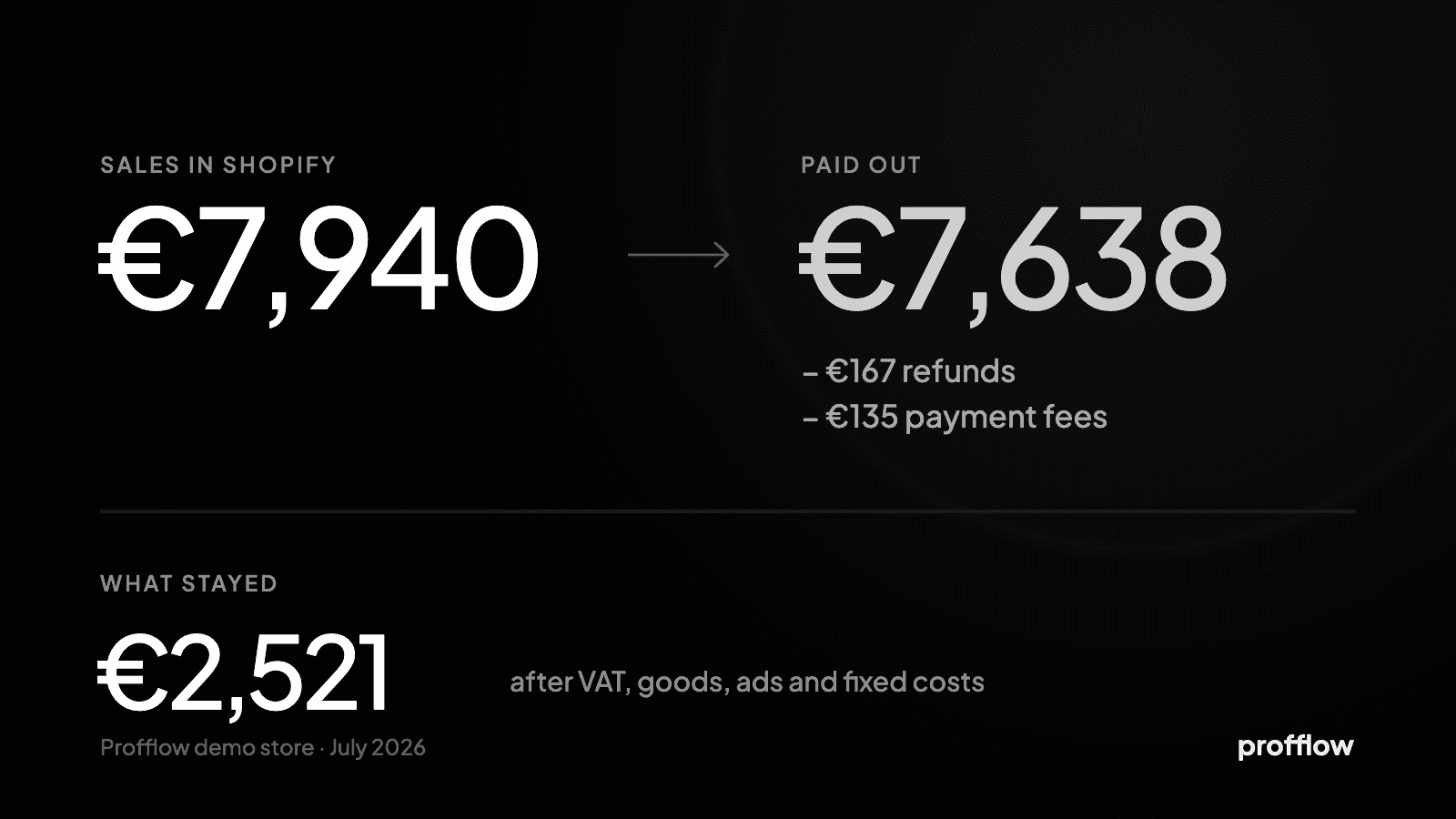
Profflow’s example store, July 2026: €7,940 in sales. Less €167 of refunds and €135 of payment fees, the payment providers send on about €7,638. What stayed after everything else was €2,521 — because €1,429 of that payout was VAT owed to the tax office, and €2,103 of goods, €1,180 of ads and €405 of fixed costs were paid from the same bank account to other people.
Orders paid through PayPal, Klarna or another gateway arrive in their own payouts, on their own timetable, with their own fees taken off — and Shopify adds its own transaction fee on those orders unless they went through Shopify Payments.
Reading a month without losing a day to it
- Start from the payments activity report in Shopify: it breaks a period into transactions, fees and payouts.
- Add each other gateway’s statement for the same dates — they do not appear in Shopify’s payouts.
- Judge the month on profit, not on what arrived: take out the VAT inside the price, then goods, shipping, fees, ads and fixed costs.
Profflow reads what Stripe, PayPal and Klarna each kept, day by day, takes the VAT out before anything is called profit, and projects the cash ahead over the next 60 days from the store’s own days — so the payout stops being the figure the month is judged by.